
Mobile app testing tools have become an essential part of modern software development. As mobile applications continue to grow in complexity, businesses need reliable ways to ensure their apps perform well on different devices, operating systems, and network conditions. Cloud-based testing has transformed the way developers and quality assurance teams test applications by providing instant access to a large collection of real and virtual devices over the internet.
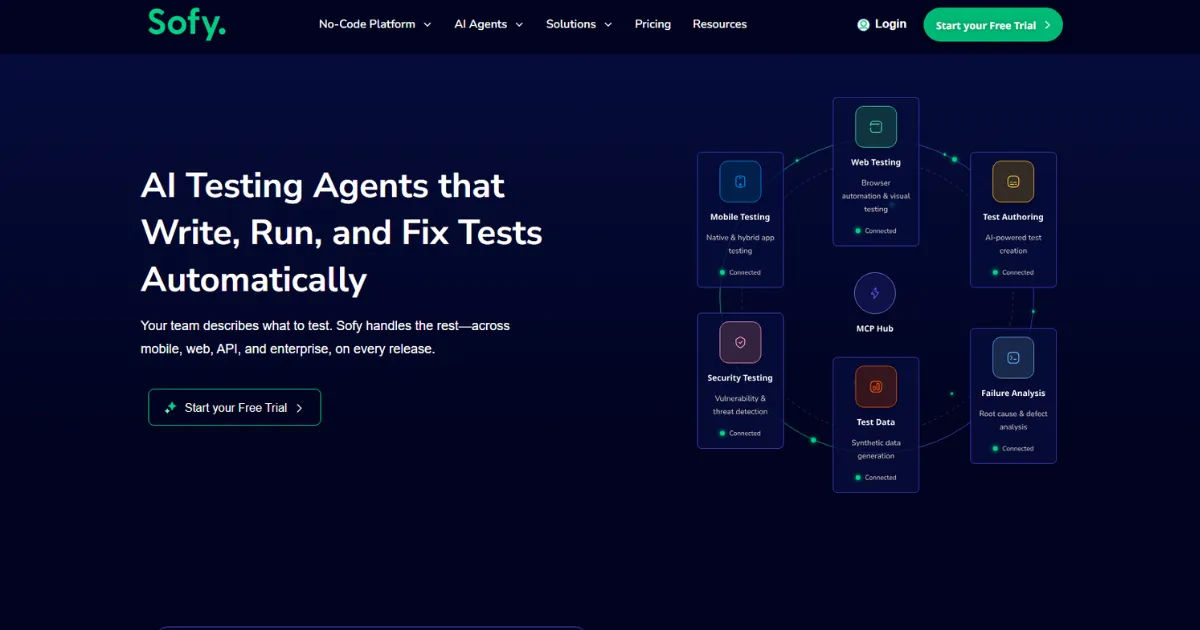
Instead of purchasing and maintaining expensive device labs, organizations now rely on cloud platforms to test their applications quickly and efficiently. This approach saves time, reduces costs, and helps teams deliver high-quality apps faster. Understanding how cloud mobile app testing tools work can help developers, business owners, and students appreciate why cloud testing has become a standard practice in the software industry.
Cloud Mobile App Testing
Cloud mobile app testing is the process of testing mobile applications using devices, operating systems, and testing environments hosted on cloud servers. Rather than keeping hundreds of physical smartphones and tablets in one location, cloud providers maintain large collections of devices that users can access remotely.
Developers simply upload their application to the cloud platform, choose the devices they want to test, and start running tests. Since everything happens online, team members from different locations can collaborate without needing physical access to the devices.
Cloud testing supports Android and iOS applications, allowing businesses to verify compatibility across many screen sizes, hardware configurations, and software versions.
Why Cloud Testing Has Become Popular
Traditional device testing requires purchasing numerous smartphones, tablets, chargers, storage cabinets, and maintenance equipment. As new devices enter the market every year, keeping an updated testing lab becomes expensive.
Cloud testing solves this challenge by offering on-demand access to hundreds or even thousands of devices. Organizations only pay for what they use instead of investing heavily in hardware.
Other reasons cloud testing is popular include:
-
Faster testing cycles
-
Reduced infrastructure costs
-
Better device coverage
-
Easy remote collaboration
-
Quick scalability
-
Continuous testing support
These benefits make cloud testing suitable for startups, medium-sized businesses, and large enterprises alike.
How Cloud Mobile App Testing Tools Work
Cloud mobile app testing tools follow a simple yet powerful workflow that allows testing to happen efficiently from almost anywhere.
Uploading the Application
The first step involves uploading the application file to the cloud platform. Android apps are usually uploaded as APK files, while iOS apps are uploaded as IPA files.
The platform securely stores the application and prepares it for testing across selected devices.
Selecting Test Devices
Users then choose which smartphones or tablets they want to test.
Most cloud platforms offer filters based on:
-
Device brand
-
Screen size
-
Android version
-
iOS version
-
Manufacturer
-
Hardware specifications
-
Geographic location
This flexibility allows testers to recreate real customer environments.
Configuring Test Settings
Before testing begins, users configure different settings such as:
-
Language
-
Time zone
-
Screen orientation
-
Network speed
-
Device permissions
-
GPS location
These settings help simulate real-world usage conditions.
Running the Tests
Once everything is ready, the cloud platform launches the application on the selected devices.
Testing may be performed manually or automatically.
Manual testers interact with the app remotely, while automated scripts complete predefined actions without human involvement.
Collecting Results
After testing finishes, the platform generates reports that may include:
-
Screenshots
-
Videos
-
Error logs
-
Performance metrics
-
Crash reports
-
Network activity
-
CPU usage
-
Memory consumption
These reports help developers quickly identify and fix issues.
Types of Cloud Mobile Testing
Cloud testing supports several testing methods depending on project requirements.
Functional Testing
Functional testing ensures every feature behaves as expected.
Examples include:
-
Login functionality
-
Registration forms
-
Payment systems
-
Notifications
-
Search features
-
Navigation menus
This testing verifies that users receive the intended experience.
Compatibility Testing
Different smartphones have different screen sizes, processors, and operating systems.
Compatibility testing ensures applications work consistently across multiple devices without display or performance issues.
Performance Testing
Performance testing evaluates how well an application performs under different conditions.
It measures:
-
App launch time
-
Response speed
-
CPU usage
-
Memory usage
-
Battery consumption
-
Data usage
Good performance leads to better user satisfaction.
Security Testing
Applications often store sensitive customer information.
Security testing helps identify vulnerabilities related to:
-
Authentication
-
Encryption
-
Session management
-
Data storage
-
Secure communication
Strong security protects users and business data.
Usability Testing
Usability testing focuses on the overall user experience.
Testers examine:
-
Navigation
-
Button placement
-
Font readability
-
User interface consistency
-
Accessibility
An intuitive interface encourages users to continue using the application.
Manual vs Automated Cloud Testing
Cloud platforms support both manual and automated testing.
Manual Testing
Manual testing allows testers to explore applications naturally.
Advantages include:
-
Human observation
-
Better user experience evaluation
-
Flexible testing
-
Easy exploratory testing
However, manual testing can become time-consuming for large projects.
Automated Testing
Automation uses scripts to perform repetitive tasks.
Benefits include:
-
Faster execution
-
Repeatable results
-
Reduced human error
-
Continuous integration support
-
Large-scale testing
Automation is ideal for regression and repetitive testing scenarios.
Real Devices vs Virtual Devices
Cloud testing platforms often provide both real and virtual devices.
Real Devices
Real devices are physical smartphones located in secure data centers.
Advantages include:
-
Accurate hardware performance
-
Real battery behavior
-
Genuine sensors
-
Camera testing
-
GPS testing
Real-device testing closely represents customer experiences.
Virtual Devices
Virtual devices are software simulations of smartphones.
Benefits include:
-
Faster startup
-
Lower cost
-
Quick configuration
-
Easy scaling
Virtual devices work well during early development stages.
Cloud Infrastructure Behind Testing
Cloud providers operate massive data centers equipped with hundreds or thousands of connected mobile devices.
These data centers include:
-
High-speed internet
-
Device management systems
-
Automated charging systems
-
Secure storage
-
Monitoring software
-
Remote access technology
When users start testing, the platform assigns available devices automatically.
The tester connects through a web browser while the device remains inside the provider's facility.
Integration with Development Workflows
Modern software development emphasizes continuous integration and continuous delivery.
Cloud testing integrates with these workflows by automatically running tests whenever developers submit new code.
This process helps identify bugs immediately rather than waiting until later stages of development.
Continuous testing shortens release cycles while improving software quality.
Benefits of Cloud Mobile App Testing
Cloud testing provides numerous advantages.
Reduced Costs
Organizations avoid purchasing expensive device collections.
Subscription-based pricing keeps budgets manageable.
Greater Device Availability
Teams gain access to many smartphones that would otherwise be difficult to purchase.
Faster Testing
Multiple devices run tests simultaneously.
Parallel testing significantly reduces testing time.
Improved Collaboration
Remote teams can access identical testing environments from different locations.
This supports global software development.
Better Scalability
Testing resources increase or decrease based on project needs.
Organizations never need to worry about hardware shortages.
Automatic Updates
Cloud providers maintain devices, operating systems, and software updates.
Users always receive current testing environments.
Challenges of Cloud Testing
Although cloud testing offers many advantages, some challenges remain.
Internet Dependency
Testing requires a stable internet connection.
Poor connectivity can interrupt sessions.
Data Security
Applications containing confidential information require secure cloud environments.
Organizations should verify provider security standards.
Subscription Costs
While cheaper than maintaining large device labs, cloud services still involve recurring subscription fees.
Proper planning helps manage expenses.
Device Availability
Popular devices may occasionally be busy during peak demand.
Scheduling tests in advance helps reduce delays.
Best Practices for Successful Cloud Testing
Organizations can maximize testing efficiency by following several best practices.
Define Testing Goals
Clear objectives help determine which devices and scenarios require testing.
Test Frequently
Running tests throughout development catches problems early.
Early detection reduces fixing costs.
Combine Manual and Automated Testing
Using both approaches creates more comprehensive coverage.
Automation handles repetitive tasks while manual testing evaluates usability.
Prioritize Real Devices
Critical releases should always include testing on physical devices.
This produces the most realistic results.
Analyze Reports Carefully
Testing reports provide valuable information about crashes, performance, and compatibility.
Careful analysis leads to continuous improvement.
Industries Using Cloud Mobile Testing
Cloud testing supports applications across many industries.
Common examples include:
-
Banking
-
Healthcare
-
Education
-
Retail
-
Transportation
-
Gaming
-
Social media
-
Government services
-
Travel
-
E-commerce
Each industry depends on reliable applications that perform consistently for users.
Future of Cloud Mobile Testing
The future of cloud testing looks promising as technology continues evolving.
Artificial intelligence is helping automate bug detection and test generation.
Machine learning can prioritize important test cases based on previous failures.
5G networks are enabling more accurate testing of high-speed mobile applications.
Cloud providers are expanding device libraries while improving automation capabilities.
As mobile applications continue growing in complexity, cloud testing will remain an essential part of software quality assurance.
Choosing the Right Cloud Testing Platform
Selecting an appropriate platform depends on several factors.
Organizations should evaluate:
-
Supported devices
-
Automation features
-
Security standards
-
Pricing
-
Reporting capabilities
-
Integration options
-
Customer support
-
Performance monitoring
Comparing these features helps businesses select the best solution for their needs.
Conclusion
Cloud-based mobile app testing tools have transformed software testing by making high-quality device testing accessible, affordable, and efficient. Instead of maintaining expensive hardware laboratories, organizations can instantly access hundreds of real and virtual devices through the cloud. This approach speeds up development, improves collaboration, increases device coverage, and supports continuous software delivery.
As mobile applications become more advanced, testing requirements will continue to grow. Cloud platforms provide the flexibility needed to test across multiple devices, operating systems, and network environments without significant infrastructure costs. By combining manual testing, automation, real-device testing, and detailed reporting, businesses can deliver reliable applications that meet user expectations. Investing in effective mobile app testing tools is not only a smart technical decision but also an important step toward creating successful mobile applications that perform consistently in today's competitive digital world.