
A custom eLearning development company helps organizations create digital learning programs designed around their specific goals, learners, content, and training requirements. Instead of providing a standard course that is the same for everyone, these companies build learning experiences based on the client’s needs. The process can include planning, instructional design, content development, visual design, programming, testing, deployment, and ongoing support.
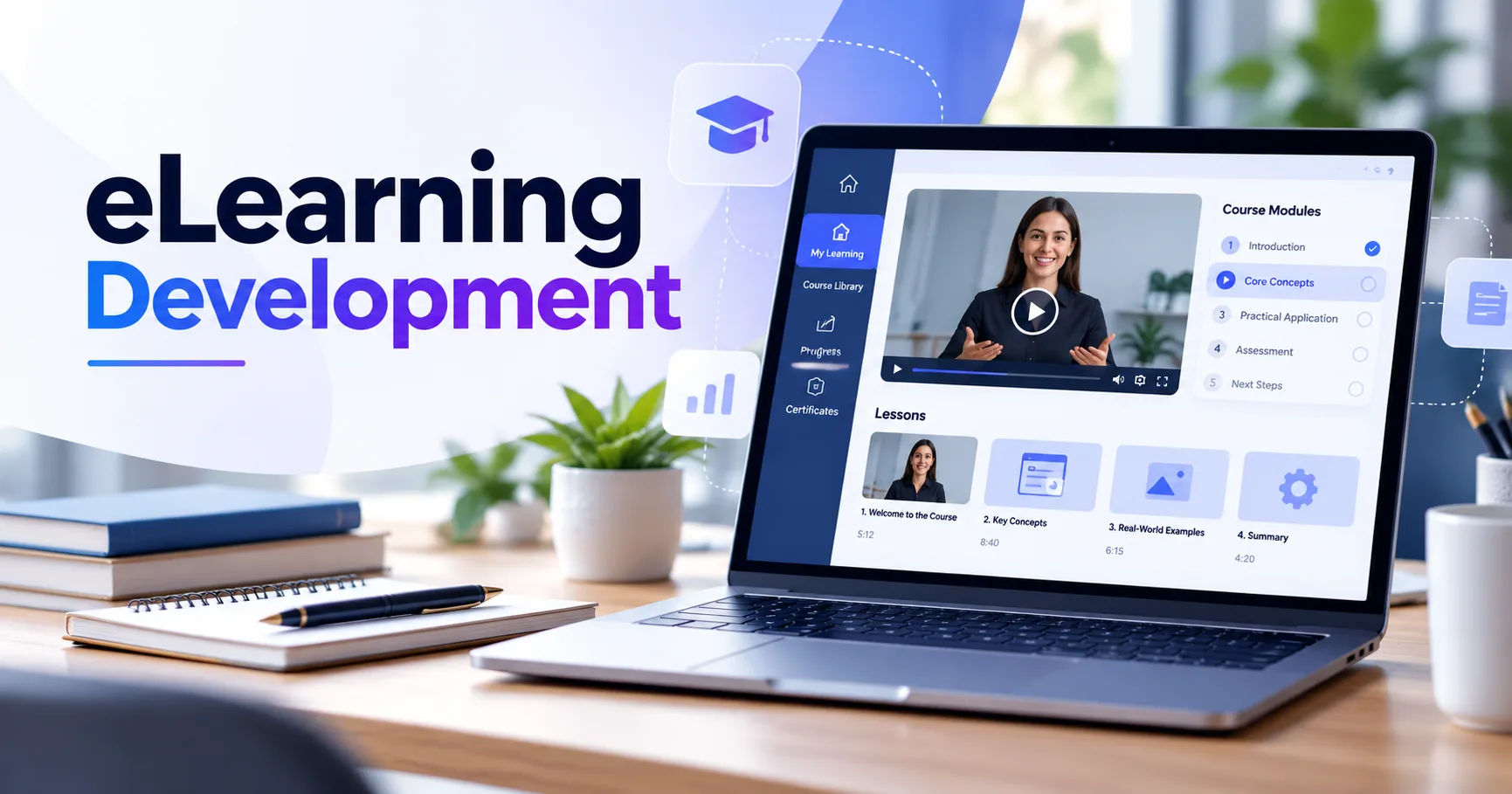
Custom eLearning has become an important option for schools, universities, businesses, healthcare organizations, government institutions, and professional training providers. Digital courses can make training easier to access while also allowing organizations to track learner progress and improve educational content over time.
But how does the development process actually work? Understanding each stage can help an organization choose the right development partner and prepare the information needed to create an effective course.
What Is Custom eLearning Development?
Custom eLearning development is the process of creating a digital learning program specifically for a particular audience or organization. The course may include videos, presentations, animations, quizzes, simulations, interactive activities, assessments, and downloadable resources.
The content is usually created around specific learning objectives. For example, a company might need employee training about workplace safety. A university could require an interactive course for a technical subject. A healthcare organization might need training that teaches staff how to follow a particular procedure.
Unlike generic courses, custom programs can reflect an organization's terminology, branding, policies, workflows, and learning objectives.
Custom vs. Ready-Made eLearning
Ready-made courses are designed for broad audiences. They can be useful when an organization needs basic training quickly, but they may not address specific requirements.
Custom eLearning gives organizations greater control over the content and learning experience. Lessons can be adjusted to suit the learners' knowledge levels, professional roles, language preferences, and responsibilities.
The development process may take more planning than purchasing an existing course, but the result can be more closely aligned with the organization's educational goals.
How Does the Development Process Begin?
The first stage is usually discovery and consultation. The development team meets with the client to understand what the course needs to achieve.
This stage is important because good eLearning starts with a clear problem. The goal might be to improve employee knowledge, introduce a new product, prepare students for an examination, or teach a new professional skill.
Identifying Learning Objectives
The team determines what learners should know or be able to do after completing the course.
Learning objectives should be specific and measurable. Instead of saying that learners will "understand cybersecurity," an objective might state that learners will be able to identify common phishing attempts.
Clear objectives guide the rest of the project. They influence the lesson structure, activities, assessments, and final evaluation.
Understanding the Target Audience
A course for experienced professionals will not necessarily work for beginners.
The development team considers the learners' age, education, professional background, existing knowledge, technical skills, and learning environment.
The team may also consider whether learners will use computers, tablets, or smartphones. These details influence how the course is designed.
Content Analysis and Planning
Once the goals and audience are established, the development team reviews the available learning material.
The client may provide textbooks, presentations, manuals, documents, videos, policies, or existing training materials. Subject matter experts may also provide technical information.
The development team organizes this information into a logical learning structure.
Creating a Course Outline
A course outline divides the subject into manageable sections.
For example, an employee training course could contain:
- Introduction and learning objectives
- Core concepts
- Practical examples
- Interactive activities
- Knowledge checks
- Final assessment
- Course summary
The exact structure depends on the subject and audience.
A well-planned outline prevents information overload and gives learners a clear path through the course.
Instructional Design
Instructional design is one of the most important stages of the process. It determines how information will be presented so learners can understand and remember it.
A custom eLearning development company may use different instructional strategies depending on the subject.
Making Learning Interactive
Simply placing large amounts of text on a screen does not necessarily create effective learning.
Interactive elements can encourage learners to think and apply information. These may include scenario-based questions, simulations, drag-and-drop activities, branching situations, and problem-solving exercises.
For example, a customer-service course might present a difficult customer situation. The learner chooses how to respond and then receives feedback explaining the consequences of that choice.
Using Real-World Examples
Realistic examples can make lessons easier to understand.
Instead of explaining a workplace procedure only through definitions, the course can show how the procedure applies to an actual situation.
This approach is particularly useful for professional training because learners can connect the lesson to situations they may encounter in their jobs.
Storyboarding the Course
Before development begins, instructional designers often create a storyboard.
A storyboard describes what will appear on each screen or section. It can include narration, graphics, text, interactions, animations, questions, and feedback.
The storyboard gives the client an opportunity to review the course structure before significant development work begins.
Changes are generally easier to make during planning than after the entire course has been produced.
Visual and User Experience Design
After the instructional structure is established, designers determine how the course will look and feel.
Visual design should support learning rather than distract from it.
Branding and Visual Consistency
Organizations may want their courses to reflect their existing brand identity.
Designers can incorporate appropriate logos, typography, imagery, layouts, and other visual elements while keeping the learning experience easy to navigate.
Consistency helps learners recognize patterns and understand where to find information.
Responsive Design
Modern learners may access courses from different devices.
Responsive eLearning can adjust its layout for desktops, tablets, and smartphones. Buttons, text, images, and interactive elements need to remain usable on different screen sizes.
This is especially important when employees or students complete training outside a traditional classroom or office.
Development and Programming
After the design is approved, developers turn the instructional plan into a functioning digital course.
Depending on the project, developers may use authoring tools, learning management system integrations, multimedia technologies, and custom programming.
Adding Multimedia
Multimedia can include:
- Narrated presentations
- Videos
- Animations
- Illustrations
- Audio
- Interactive diagrams
- Simulations
The type of media should match the learning objective. A complex process may benefit from an animation, while a practical workplace situation might be better represented through a scenario.
Creating Assessments
Assessments help determine whether learners have achieved the intended objectives.
A course may use quizzes after individual lessons and a larger assessment at the end.
Questions can include multiple-choice items, matching activities, scenario-based questions, and practical simulations.
Good assessments measure meaningful knowledge rather than simply asking learners to memorize information.
Testing the eLearning Course
Testing is an essential stage before the course reaches learners.
The development team checks whether the course works correctly on the intended devices and platforms.
They may test navigation, buttons, links, videos, audio, assessments, scoring, progress tracking, and completion settings.
User Testing
A small group of users may also review the course.
Their feedback can reveal problems that developers might overlook. For example, an instruction may seem clear to the development team but confuse someone unfamiliar with the subject.
User testing can therefore improve both usability and learning effectiveness.
Accessibility Considerations
An effective digital learning program should consider learners with different abilities.
Accessibility can involve captions for videos, transcripts for audio, readable text, appropriate color contrast, keyboard navigation, descriptive labels, and other features.
The exact requirements depend on the organization, audience, and applicable accessibility standards.
Accessibility is not simply a technical feature. It can make educational content usable by a broader range of learners.
Integrating the Course With an LMS
Many organizations use a Learning Management System, or LMS, to deliver and manage online training.
A custom eLearning development company can prepare courses for integration with the organization's existing platform.
Tracking Learner Progress
An LMS can often track information such as course completion, assessment results, learner activity, and progress.
Depending on the technical standards and platform, courses may use formats or specifications such as SCORM, xAPI, or other supported technologies.
Tracking gives administrators useful information about participation and learning outcomes.
Launching the Course
After testing and approval, the course is prepared for deployment.
The development team may help upload the course to an LMS, configure completion settings, test the live environment, and resolve technical issues.
For larger organizations, the launch may be gradual. A pilot group can complete the course first, allowing administrators to identify problems before wider deployment.
Measuring eLearning Effectiveness
Launching a course is not necessarily the end of the development process.
Organizations can review learner performance and feedback to determine whether the training is meeting its objectives.
Reviewing Learner Data
Administrators may examine completion rates, assessment scores, time spent learning, and other available data.
For example, if many learners fail the same assessment question, the organization may need to review whether the lesson explains that concept clearly.
Gathering Learner Feedback
Learners can provide useful information about the course experience.
Feedback forms can ask whether the content was understandable, whether activities were useful, and whether learners experienced technical difficulties.
This feedback can guide future improvements.
Maintenance and Updates
Training content can become outdated.
Company policies may change, software may receive updates, regulations may be revised, or new information may become available.
For this reason, organizations may continue working with their development partner after launch.
A custom eLearning development company can update text, replace outdated media, modify assessments, and revise activities when requirements change.
Regular maintenance helps keep the course relevant.
How AI Can Support eLearning Development
Artificial intelligence is also becoming part of modern eLearning workflows.
AI tools can assist with tasks such as generating initial content ideas, creating draft scripts, supporting translation, producing certain visual assets, and helping personalize learning experiences.
However, AI-generated material still needs human review. Subject matter experts and instructional designers should verify accuracy, relevance, tone, and educational quality.
AI can support the development process, but it does not remove the need for thoughtful instructional planning.
How Much Does Custom eLearning Development Cost?
The cost varies significantly from one project to another.
Factors can include course length, complexity, number of learners, amount of existing content, level of interactivity, multimedia requirements, voice-over production, animation, custom programming, accessibility requirements, LMS integration, and ongoing maintenance.
A simple course based on existing materials may require less development work than a highly interactive simulation created from scratch.
Organizations should therefore define their requirements before comparing development costs.
How Long Does Development Take?
Development time also depends on project complexity.
A short course with ready-to-use content may be completed relatively quickly. A large training program involving multiple modules, custom animation, video production, assessments, and technical integration can take considerably longer.
The review process also affects the schedule.
Clear communication and timely feedback from the client can help prevent unnecessary delays.
How to Work Effectively With a Development Company
A successful project depends on cooperation between the client and development team.
The organization should provide accurate source materials and clearly explain its objectives.
Subject matter experts should be available to answer technical questions.
It is also useful to establish who will review content, who will approve designs, how feedback will be provided, and what the final delivery requirements are.
Clear responsibilities reduce confusion during development.
Conclusion
A custom eLearning development company works through a structured process that transforms an organization's knowledge and training requirements into an interactive digital learning experience. The process usually begins with discovery and audience analysis, followed by learning objectives, content planning, instructional design, storyboarding, visual design, development, testing, deployment, and ongoing improvement.
The strongest projects do not focus only on making a course look attractive. They connect every design and technology decision to a clear learning objective. Interactive activities, practical examples, assessments, multimedia, accessibility features, and progress tracking can all contribute to a more complete learning experience when they are used for the right purpose.
Organizations also need to consider maintenance after launch. Training content can change as policies, technology, products, and professional requirements evolve. Regular reviews help keep digital learning accurate and useful.
Ultimately, custom eLearning development is a collaborative process. Subject matter experts provide knowledge, instructional designers shape that knowledge into effective learning experiences, designers create the visual environment, and developers turn the plan into a functional digital course. When these roles work together, organizations can create training that is relevant to their learners and aligned with their educational or professional goals.